Photos and drawings
The picture is the heart of the card. Give it good light and enough pixels.

On a card, the picture window is often smaller than the palm of your hand. A busy shelf behind a person, a shadow across a drawing or a blurry paw becomes the whole story at that size. These guides help you capture a picture that survives being small.
For new photos, start with window light and a plain background. Both use things already at home: a chair, a window, a sheet or a sheet of colored paper. Pets need their own patience, and there is a guide for that too.
Drawings and old prints are a different job. They are flat, they should stay square, and they deserve careful handling. You will find ways to photograph or scan them without glare or tilted edges, and ideas for drawing artwork that is shaped for the window from the start.
One practical question comes up again and again: will it print sharp? The guide on pixels turns it into simple division. The workshop also warns you on screen when a photo is too small for the size you gave it.
Use pictures you made yourself or have permission to use, and ask before turning someone’s face into a card, above all when it is a child.
9 guides in this topic
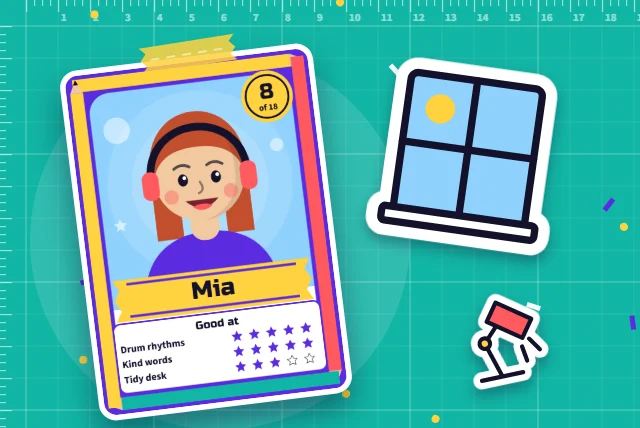
Light a card photo with one window and a sheet of white paper
Set up soft window light at home so faces and objects stay clear on a small printed card.
Photos and drawings
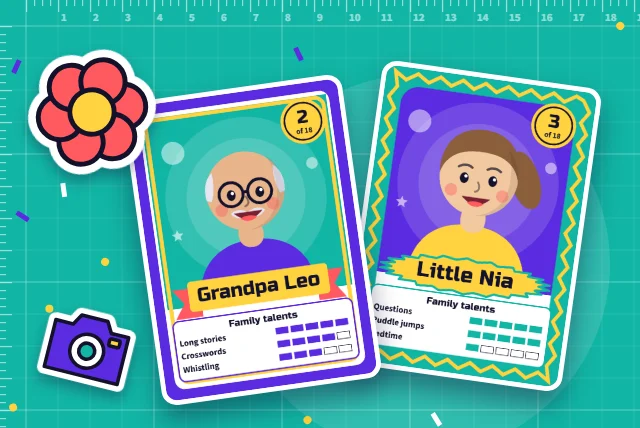
Set up a plain background that lets your subject stand out
Choose and set up a calm backdrop so a person, pet or object reads clearly on a small card.
Photos and drawings
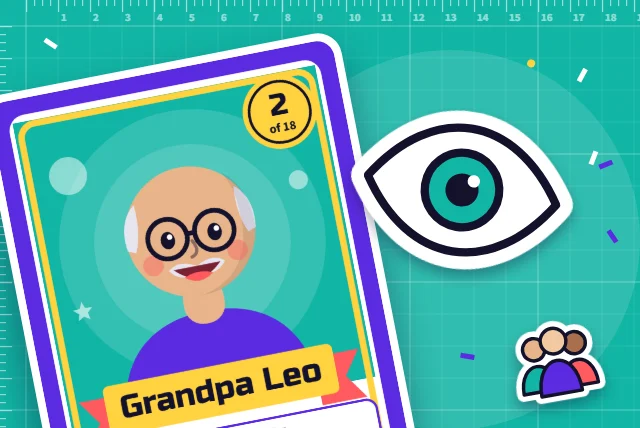
Crop a portrait so the face stays clear on a small card
Frame a face for a small picture window with a sensible eye line, headroom and clean crop edges.
Photos and drawings
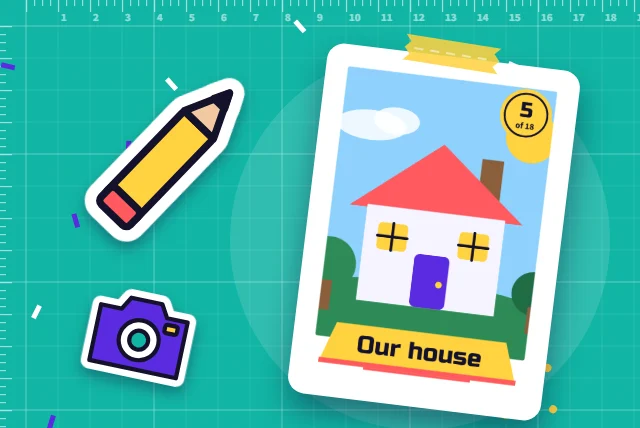
Photograph a drawing so it looks flat, square and evenly lit
Copy a drawing with your phone so lines stay straight, paper stays even and colors look right.
Photos and drawings
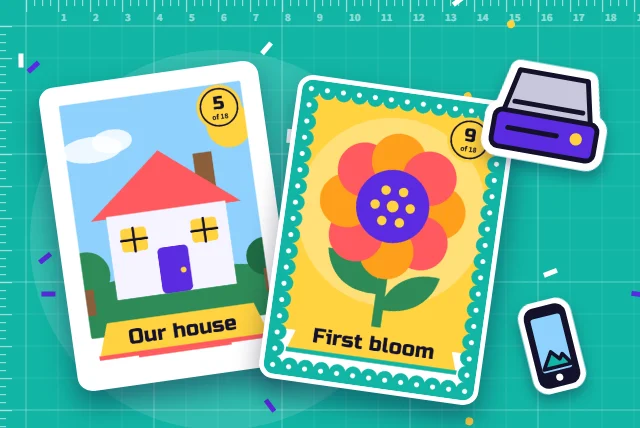
Scanner or camera: how to capture drawings and old pictures
Choose a flatbed scanner or a camera by the size, surface and condition of what you are copying.
Photos and drawings
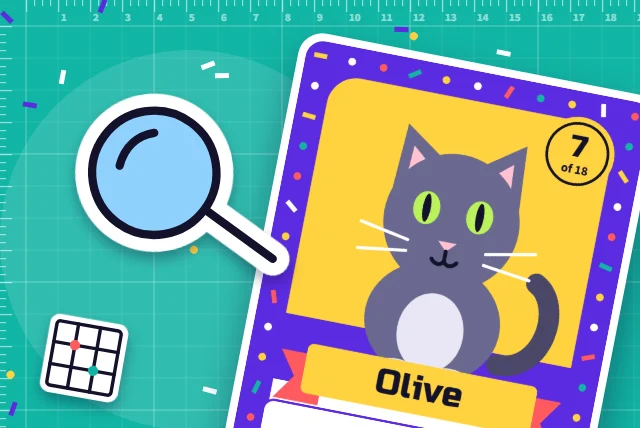
How many pixels does a card photo need to print sharply?
Divide pixels by printed inches, then check what is left after you zoom and crop.
Photos and drawings
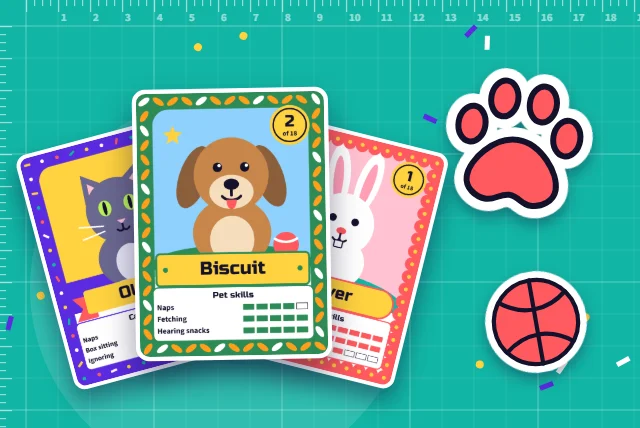
Photograph pets for their cards without a blurry nose
Get a sharp, calm pet photo with good light, a low viewpoint and short, patient sessions.
Photos and drawings
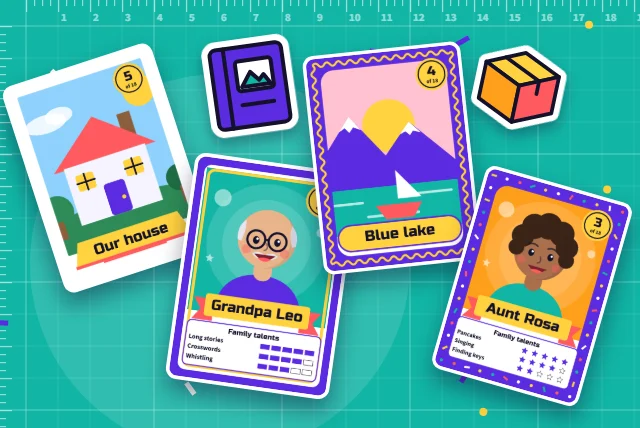
Put old printed family photos on cards without harming them
Copy old prints with clean handling, then crop and label the copy and leave the original alone.
Photos and drawings
Draw artwork that fits the picture window and survives shrinking
Match your drawing area to the card window, then draw bold shapes that stay clear when shrunk.
Photos and drawings