Print, cut and keep
The last steps happen on the table, with paper, a blade and a little care.

A card is finished when you can hold it. These guides cover the part that happens away from the screen, where a single print setting can shrink every card or a hurried cut can slice off a name.
Begin with printing at actual size. The workshop lays cards out for letter paper, nine per sheet at the classic size, with marks that show where to cut. If the print window is set to fit or shrink the page, the cards come out smaller than you planned.
Then come paper and two-sided printing. Heavier paper feels like a card, but not every printer feeds it, and the back of a sheet rarely lands in exactly the same place as the front. There is a test sheet in the workshop for that, and a guide to reading it.
After printing you will find help with cutting, corners, saving a PDF to print somewhere else, sleeves and albums, and fixing faint or striped prints. The last thing to keep is the project itself: your cards live only in your browser until you download a copy, so make one before you tidy up your computer.
9 guides in this topic
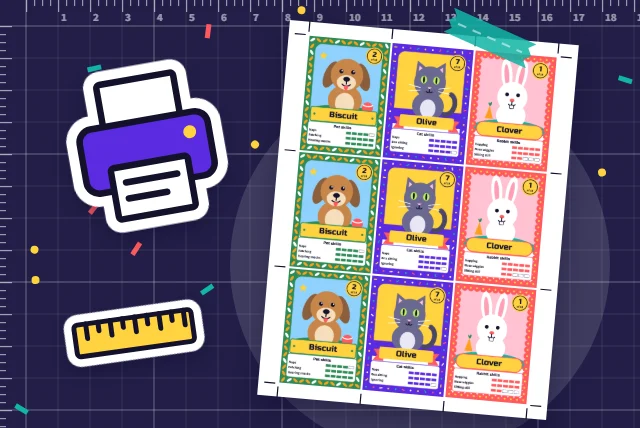
Print your cards at actual size on letter paper
The print settings that keep each card the size you designed, and how to check them with a ruler.
Print, cut and keep
Choose paper and cardstock that make sturdy cards
How to read a paper label, choose a finish and test a sheet before you print the whole set.
Print, cut and keep
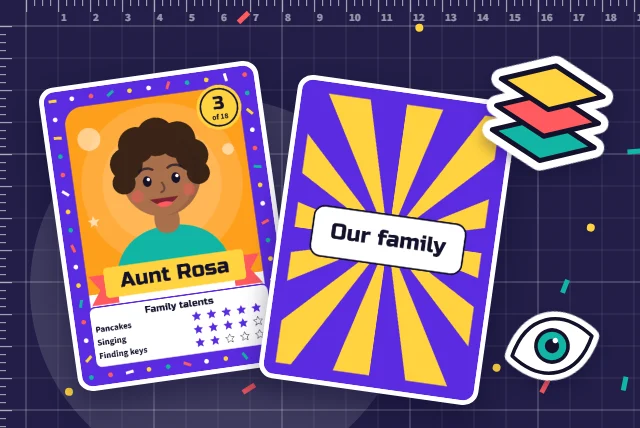
Line up the front and back of a two-sided card
Choose the right flip edge, measure the shift on a test sheet and correct it before printing the set.
Print, cut and keep
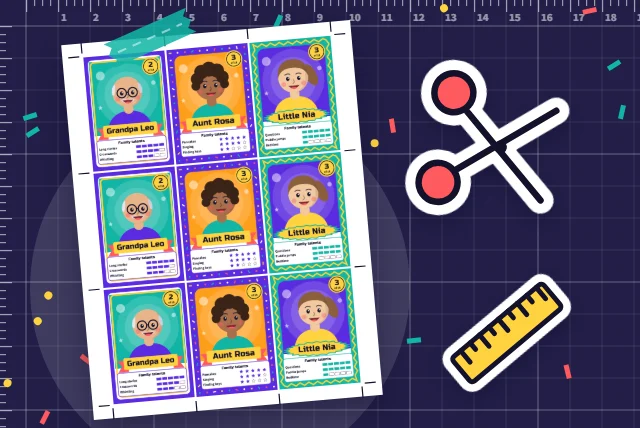
Cut your cards straight with scissors, a trimmer or a knife
Which cutting tool to use, the order of cuts that keeps cards square and how to fix a crooked edge.
Print, cut and keep
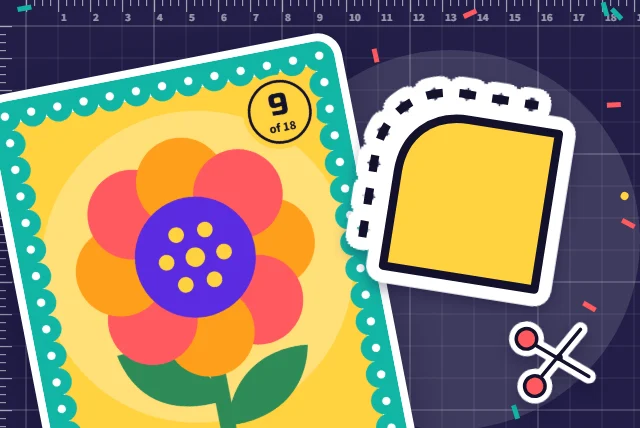
Round the corners of your cards by hand or with a punch
Choose a curve, round all four corners the same way and keep your design safe near the edges.
Print, cut and keep
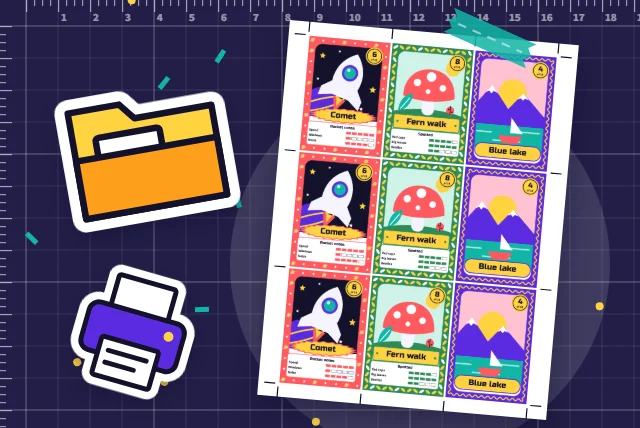
Save your card sheets as a PDF and print them somewhere else
Create a PDF from the print window, check it, and hand it to another printer with clear notes.
Print, cut and keep

Protect and store your cards in sleeves, boxes and albums
Which plastics, boxes and album pages to choose, and where at home a card set should live.
Print, cut and keep
Keep a safe copy of your card project outside the browser
Why a browser save is not enough, and a simple routine for keeping copies of your cards.
Print, cut and keep
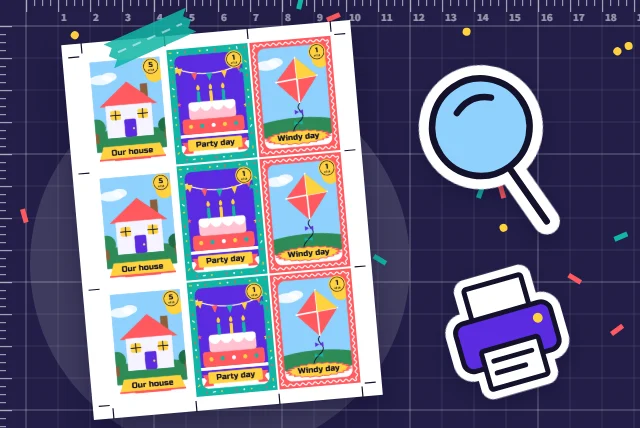
Fix dull, blurry or striped card prints before reprinting
Find why a card printed badly and what to change before you spend more ink and paper.
Print, cut and keep